iPad Air (M4) Review: The Sensible iPad Gets Serious
For years the middle iPad has been the sensible choice you talk yourself into. The iPad Air (M4), announced on 2 March 2026 and on sale from 11 March, makes that argument much easier. Apple gave it the same M4 chip the iPad Pro carried a year ago, put 12GB of unified memory in every single configuration, and fitted its own Wi-Fi 7 and cellular silicon. What it did not give it is an OLED screen, Face ID or Thunderbolt. Whether that matters depends entirely on what you do with a tablet.
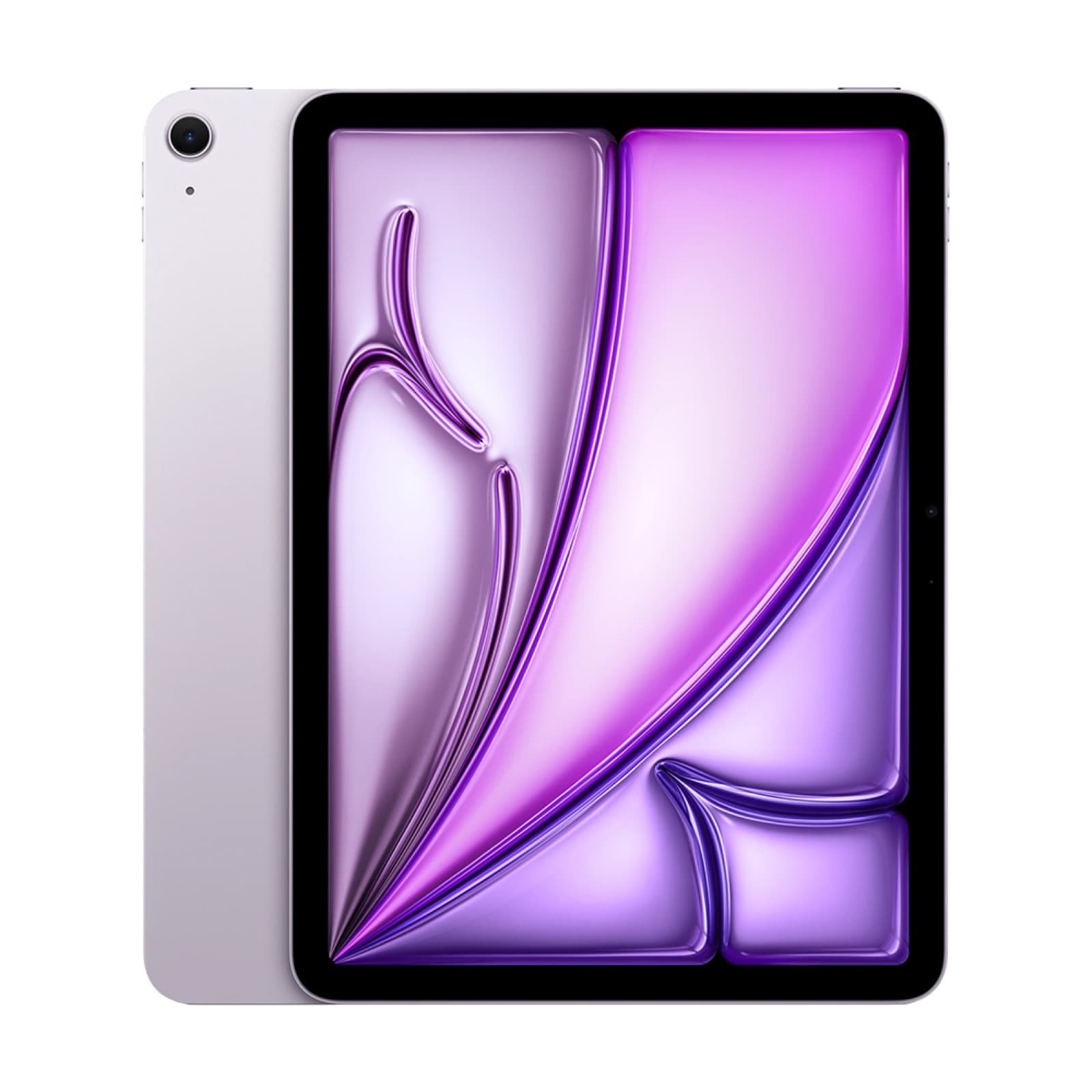
The need-to-know
The iPad Air (M4) is the eighth-generation Air and succeeds the iPad Air (M3) from 2025. It was announced on 2 March 2026 and went on sale on 11 March across the UK and EU, in 11-inch and 13-inch sizes, with 128GB, 256GB, 512GB or 1TB of storage and cellular options. It sits in the upper-middle of Apple's tablet range: above the standard iPad, below the iPad Pro (M5). It is aimed at people who want a tablet that can run real work, edit photos and video, and drive a keyboard and stylus, without paying for a tandem OLED panel they will mostly use to read email. Like all slate tablets sold in the EU, it carries the energy label introduced in June 2025.
Key specs, verified
- Sizes: 11-inch and 13-inch, both Liquid Retina LCD with P3 wide colour and True Tone
- Chip: Apple M4, quoted by Apple at up to 30 per cent faster than the M3 and up to 2.3 times faster than the M1
- Memory: 12GB of unified memory on every configuration, including the 128GB base model
- Storage: 128GB, 256GB, 512GB or 1TB
- Wireless: Apple N1 chip with Wi-Fi 7 and Bluetooth 6; cellular models use the Apple C1X modem
- Cameras: 12MP wide on the rear shooting 4K, 12MP landscape Center Stage camera on the front
- Audio: two speakers, despite the four speaker grilles in the chassis
- Biometrics: Touch ID in the top button; there is no Face ID on the iPad Air (M4)
- Ports: USB-C without Thunderbolt or USB4 data speeds
- Accessories: Magic Keyboard for iPad Air, Apple Pencil Pro and Apple Pencil (USB-C)
- Software: iPadOS 26 with the Liquid Glass interface, the optional windowing system, the Preview app and Local Capture
What changed versus the iPad Air (M3)
The chip and the radios, mostly. The M4 replaces the M3, which Apple rates at up to 30 per cent faster, and the jump is larger if you are coming from an M1 Air. More quietly, Apple standardised memory at 12GB across every configuration of the iPad Air (M4), where previous Airs varied by storage tier. That is the change most likely to matter three years from now, because iPadOS 26's windowing system and on-device intelligence features are memory-hungry. Connectivity moved to Apple's own silicon: the N1 chip brings Wi-Fi 7 and Bluetooth 6, and cellular models use the C1X modem rather than a third-party part. Screen sizes, display technology, cameras, design and accessory compatibility are unchanged.
What the iPad Air (M4) nails
Headroom for the money. An M4 with 12GB of memory will run Final Cut, Logic, multi-window Safari and a stack of creative apps without the stuttering that used to define the middle of the range, and iPadOS 26's windowing makes that capacity visible in a way earlier versions never did. Wi-Fi 7 future-proofs it on the home network side, and the C1X modem in cellular models is Apple's own part rather than a compromise. The full accessory set is supported, including the Apple Pencil Pro with its squeeze and barrel-roll gestures, so nothing is artificially withheld from artists. And the LCD, while not OLED, is bright, colour-accurate and entirely pleasant.
Where it trips up
The speakers are the most quietly annoying thing about it: there are four grilles in the chassis and only two speakers behind them, where the iPad Pro (M5) has four real drivers. There is still no Face ID, so unlocking with a keyboard attached means reaching for the top button. The USB-C port is not Thunderbolt, which caps external drive speeds and matters the moment you plug in a fast SSD for video work. The Liquid Retina LCD has none of the contrast or the 10-to-120Hz ProMotion range of the Pro's tandem OLED. And a 13-inch tablet with a Magic Keyboard attached ends up heavier and dearer than several perfectly good laptops.
Buy it if, skip it if
Buy the iPad Air (M4) if you want one tablet for drawing, note-taking, streaming and occasional serious work, and if you would rather spend the difference on the keyboard and the Pencil than on the panel. The 12GB-everywhere decision makes even the cheapest configuration a sensible long-term buy. Skip it if you edit video professionally and need Thunderbolt transfer speeds or a reference-grade display, in which case the iPad Pro (M5) is the machine. Skip it too if you mostly watch films in bed, where the Pro's four speakers and OLED contrast are genuinely worth it. And skip it entirely if you own an iPad Air (M3).
Worth considering instead
The tablet market in Europe has more credible options than it did a few years ago, though Apple still sets the terms. Within the range, the iPad Pro (M5) is the upgrade and the standard iPad is the saving. Outside it, Samsung's flagship slate offers a bundled stylus, a microSD slot and an anti-reflective OLED panel that the iPad Air (M4) cannot match on paper, backed by a seven-year update promise. Xiaomi, meanwhile, will sell you a bigger, faster-charging media tablet for a good deal less, at the cost of Apple's app catalogue and stylus ecosystem. The honest framing is that the iPad Air wins on software and resale value, and loses on raw hardware per pound. These are the three most worth pricing up before you commit.
Pros
- M4 silicon, quoted at up to 30 per cent faster than the M3 it replaces
- 12GB of unified memory on every configuration, including the entry model
- Apple N1 chip brings Wi-Fi 7 and Bluetooth 6, with the C1X modem on cellular models
- Full accessory support including the Apple Pencil Pro and Magic Keyboard for iPad Air
- iPadOS 26 windowing makes the extra memory genuinely useful
- Available in both 11-inch and 13-inch sizes with storage to 1TB
Cons
- Only two speakers behind four grilles, against four drivers on the iPad Pro
- No Face ID, so it is Touch ID in the top button
- USB-C without Thunderbolt or USB4, capping external drive speeds
- Liquid Retina LCD rather than the Pro's tandem OLED with ProMotion
- No reason at all to upgrade from an iPad Air (M3)
Comparison
iPad Pro (M5)
Tandem OLED with 10-120Hz ProMotion, four speakers, Thunderbolt, M5 silicon and a nano-texture glass option on 1TB and 2TB models. Pick it if you edit video or want the best screen Apple makes.
Samsung Galaxy Tab S11 Ultra
A 14.6-inch Dynamic AMOLED 2X panel at 120Hz and 1,600 nits, a bundled hexagonal S Pen, microSD expansion and seven years of updates. Pick it if you want Android and a stylus in the box.
Xiaomi Pad 8
An 11.2-inch 144Hz 3:2 panel, Snapdragon 8s Gen 4, a 9,200mAh battery and four speakers in a 5.8mm body. Pick it if you want a large, fast media tablet for considerably less outlay.
FAQ
No. Apple kept Touch ID in the top button rather than bringing Face ID down from the Pro line. It works well enough in the hand, but it is noticeably more awkward when the tablet is docked in a Magic Keyboard on a desk and you have to reach over the screen to unlock it.
The iPad Air (M4) is the iPad most people should buy. Standardising 12GB of memory across the range was the smartest decision Apple made this generation, and the M4 gives it years of headroom. The missing speakers, Face ID and Thunderbolt are real, but they are Pro-user complaints. If you are not editing video for a living, this is enough tablet for a very long time.