MacBook Air M5 vs Surface Laptop 8: Silence or Touch
These two are the default answers to the same question, and they answer it very differently. The MacBook Air M5 removes the fan, the touchscreen and the high refresh rate, then wins on quiet and stamina. The Surface Laptop 8 keeps all three, adds a hardware privacy screen you toggle with one key, and asks you to pay for the privilege. Apple announced the Air on March 3, 2026; Microsoft's consumer Snapdragon X2 models arrived on June 16. Here is how they actually split.
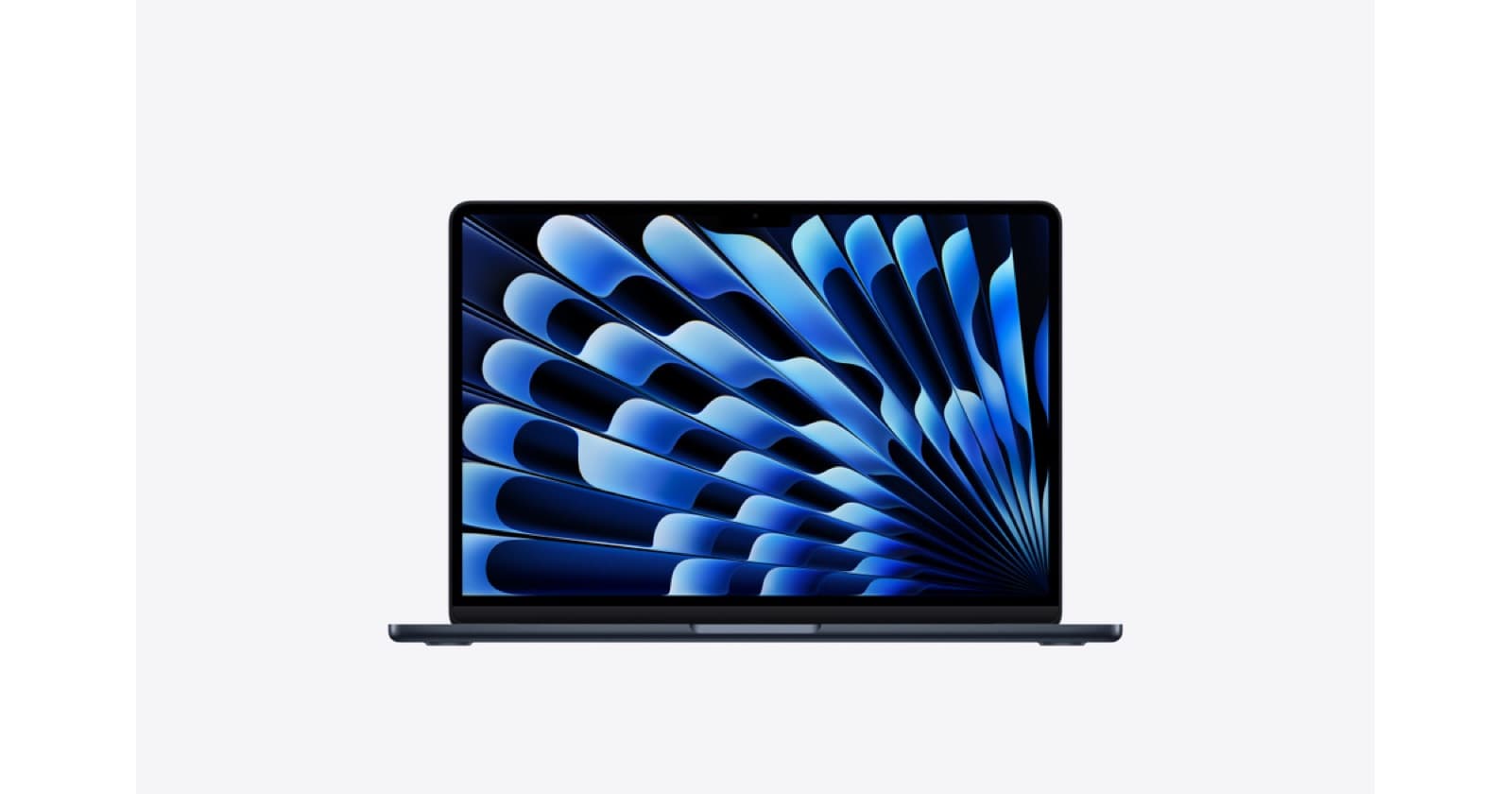
The hardware on paper
The MacBook Air M5 uses Apple's M5 with a 10-core CPU, up to 10 GPU cores and a 16-core Neural Engine, with unified memory from 16GB to 32GB running at 153.6GB/s, and 512GB of storage as standard. The Surface Laptop 8 offers Snapdragon X2 Plus with 10 cores or Snapdragon X2 Elite with 12 on consumer models, and Intel Core Ultra Series 3 up to the Core Ultra X7 368H with Arc B390 graphics on business configurations, with memory to 64GB and a removable SSD. Microsoft scales higher on memory and lets you replace the drive; Apple ships a more consistent, better-integrated single configuration path with more usable GPU compute at the low end.
Displays: the Air's weakest point
This is where the Surface Laptop 8 wins outright. Its 13.8-inch panel runs 2304x1536 at 120Hz with HDR, and the 15-inch climbs to 3270x2180 at around 262ppi, both with touch and a variable refresh rate that drops to 24Hz to save power. The MacBook Air M5 keeps a 13.6-inch or 15.3-inch Liquid Retina LCD at 500 nits with P3 colour, no touch, and a fixed 60Hz. Apple's panel is more colour-accurate out of the box and perfectly bright indoors, but it looks static beside a 120Hz rival in 2026, and that is the single criticism that appears in almost every MacBook Air M5 review. Neither offers OLED.
The privacy screen is the genuine differentiator
Microsoft's F1 key triggers a hardware viewing-angle restriction across the display, so a neighbour on a train or a plane sees very little. That is not a software dimming effect and nothing Apple sells does it. The caveats are real: reviewers found its effectiveness varies with ambient lighting, it adds a faint speckling to the panel, and it cannot be ordered alongside the 5G modem option, which is an odd trade given both features aim at the same travelling worker. If you handle sensitive documents in public routinely, this one feature may settle the entire comparison in Microsoft's favour.
Noise, heat and sustained work
The MacBook Air M5 is fanless, which means it is silent under every workload, forever. The trade-off is that long exports and lengthy compiles warm the chassis near the keyboard and the chip throttles rather than holding its clocks. The Surface Laptop 8 is actively cooled, but reviewers still found substantial throttling on sustained graphics loads, with long benchmark runs dropping to roughly half of peak performance. Neither of these is the machine for hours of continuous rendering. For bursty real work, which is what most people actually do, the Air holds its efficiency advantage and the Surface holds a fan you will occasionally hear.
Battery, ports and weight
Apple rates the MacBook Air M5 at up to 18 hours of video playback and reviewers consistently report a full working day without a midday charge. Microsoft claims up to 20 hours of local video on the 13.8-inch Surface Laptop 8 and up to 19 on the 15-inch, and one review rundown on the 13.8-inch cleared seventeen hours, so these are genuinely comparable in practice. On ports, Microsoft wins: two USB-C with USB4, a USB-A port, a headphone jack, Surface Connect and microSD on the 15-inch, against the Air's MagSafe, two Thunderbolt 4 ports and a headphone jack. Weights are close, around 2.7 to 3.7 lb depending on size.
AI features and the software you live in
Every Surface Laptop 8 is a Copilot+ PC with an on-board NPU, which unlocks local Windows AI features such as live captions, Recall-style search and on-device image generation. The MacBook Air M5 counters with a Neural Accelerator built into every GPU core and a 16-core Neural Engine, which Apple says lifts peak GPU AI compute more than four times over M4 and dramatically speeds local model work. The practical difference is less about raw capability than about what you already use. macOS ties into iPhone, Apple Watch and iCloud; Windows ties into Microsoft 365, enterprise management and the Surface Pro 12th Edition if you also want a detachable.
Who should pick which
Pick the MacBook Air M5 if you want the quietest, longest-lasting thin laptop with the least fuss, if you already own an iPhone, or if value matters, because reviewers rate the Air far higher on that count. Pick the Surface Laptop 8 if you need Windows, if a 120Hz touchscreen changes how you work, if you want 64GB of memory or a user-replaceable SSD, or if the privacy screen solves a genuine problem in your job. Budget-conscious buyers should look at the MacBook Neo or the Surface Laptop 13-inch instead; both do the same everyday work for considerably less.
Pros
Cons
Comparison
MacBook Air M5
Fanless, silent and the endurance benchmark in this class, with 512GB base storage, Wi-Fi 7 and a strong 12MP webcam. Held back by a 60Hz non-touch display and only two Thunderbolt ports.
Surface Laptop 8
A 120Hz HDR touch panel, a one-key hardware privacy screen, up to 64GB of memory and a removable SSD, on Snapdragon X2 or Intel Panther Lake. Excellent input, contested value, no OLED option.
FAQ
For most everyday work they are close, and both throttle under long sustained loads. The Air holds a clear efficiency edge because it is fanless, while higher Surface configurations scale further on memory and, with Arc B390 graphics, on visual workloads.
If you want the laptop that disappears, buy the MacBook Air M5: no fan, no noise, all-day battery and the fewest decisions to make. If you want the laptop that does more on the surface of the screen, buy the Surface Laptop 8 for its 120Hz touch panel, its keyboard and the privacy screen nobody else offers. The Air wins on value; the Surface wins on flexibility.