Surface Laptop 8 Review: A Privacy Screen Changes Things
Microsoft's headline feature this year is not a chip. It is a key. Tap F1 on a Surface Laptop 8 and the display physically narrows its viewing angles, turning the person beside you on the flight into someone looking at a grey rectangle. Underneath sits either Qualcomm's Snapdragon X2 or Intel's Core Ultra Series 3, depending on which version you buy. Microsoft introduced the business models in May 2026 and consumer Snapdragon X2 configurations landed on June 16, 2026. Here is the need-to-know.
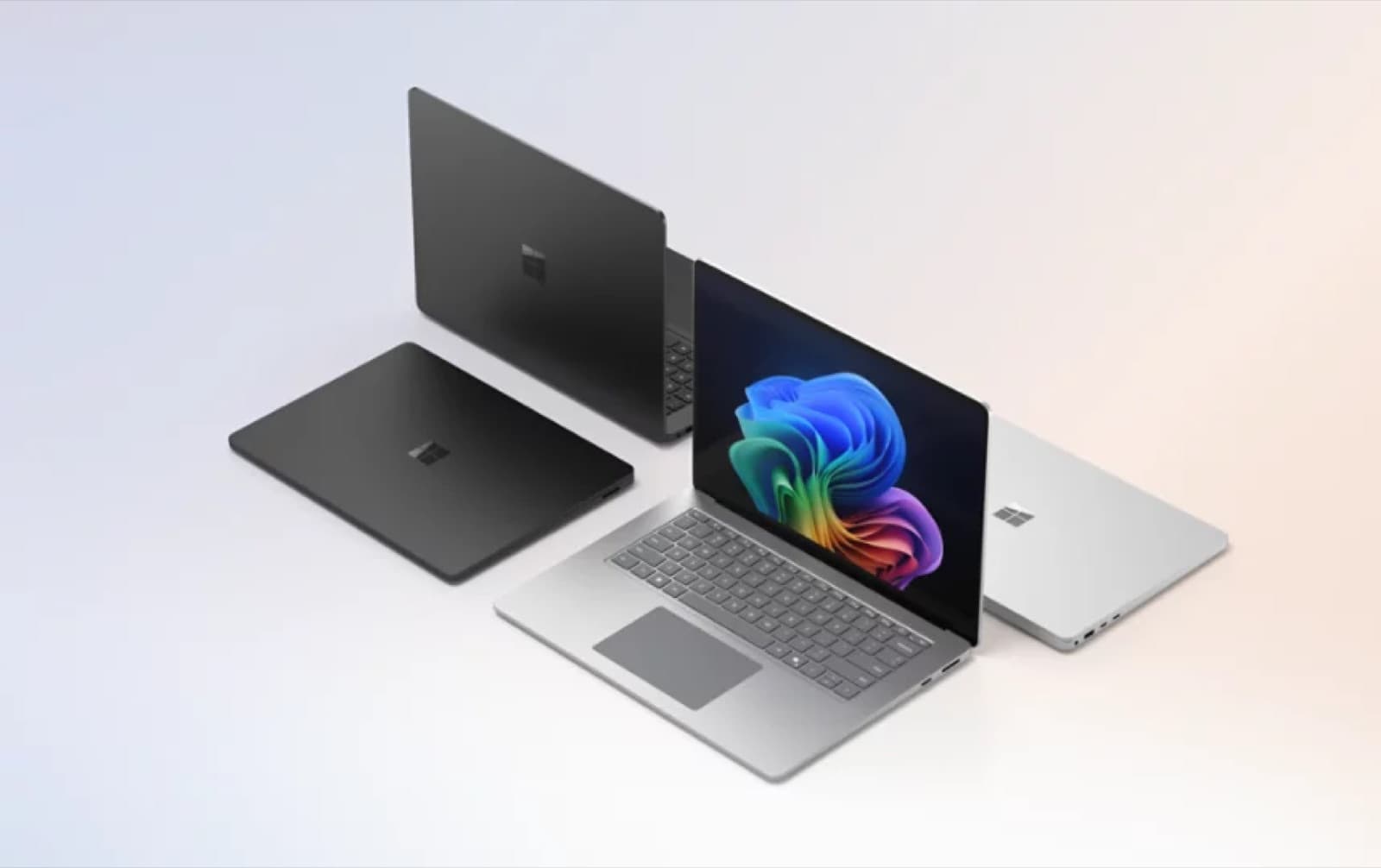
The need-to-know
The Surface Laptop 8 is sold in the US in three sizes and two silicon families, which is more confusing than it needs to be. The 13-inch model runs a first-generation 8-core Snapdragon X Plus at 60Hz. The 13.8-inch and 15-inch models are the real Surface Laptop 8: Snapdragon X2 Plus with 10 cores or Snapdragon X2 Elite with 12, on 120Hz HDR PixelSense panels. Business configurations swap in Intel Core Ultra Series 3, up to the Core Ultra X7 368H with Arc B390 graphics. Memory tops out at 64GB, the SSD is removable, and Wi-Fi 7 is standard. This is premium money, and that is the crux of nearly every review. All configurations are Copilot+ PCs with an on-board NPU.
Key specs, verified
- Displays: 13-inch at 1920x1280 and 60Hz; 13.8-inch at 2304x1536 and 120Hz HDR; 15-inch at 3270x2180 and 120Hz HDR, around 262ppi
- Processors: Snapdragon X2 Plus 10-core or Snapdragon X2 Elite 12-core on consumer models; Intel Core Ultra Series 3 up to Core Ultra X7 368H with Arc B390 graphics on business models
- Memory and storage: up to 64GB, with a user-removable SSD
- Privacy screen: hardware viewing-angle control toggled from the F1 key, not offered alongside the 5G modem option
- Ports: two USB-C with USB4 on the 13.8 and 15-inch, USB-A 3.2, 3.5mm audio, Surface Connect, plus microSD on the 15-inch
- Wireless: Wi-Fi 7
- Weights: roughly 2.7 lb for the 13-inch, 2.96 lb for the 13.8-inch and 3.67 lb for the 15-inch
- Battery claims: up to 20 hours local video on the 13.8-inch and 19 hours on the 15-inch
- Security: Windows Hello facial recognition on the 13.8 and 15-inch, fingerprint on the 13-inch
What changed versus the Surface Laptop 7
The move from first-generation Snapdragon X to Snapdragon X2 is the obvious one, and Qualcomm quotes a substantial Adreno graphics uplift over the original chips. On the Intel side the platform jumps from Lunar Lake to Panther Lake, bringing the Arc B390 integrated GPU into a Surface for the first time. The 15-inch display resolution climbed to 3270x2180. And the privacy screen is genuinely new: a hardware layer, not a software dimming trick, controlled from a function key. What did not change is everything you can see from across a room. The chassis, hinge, keyboard deck and port layout carry over, which is why several reviews describe the Surface Laptop 8 as stale before they describe it as good.
What the Surface Laptop 8 nails
Input, build and battery. Reviewers consistently single out the keyboard and the haptic touchpad as among the best on any Windows laptop, and the aluminium chassis feels solid in a way budget rivals do not. The variable refresh display, which slides between 120Hz and 24Hz depending on content, draws praise for balancing smoothness against runtime, and PCWorld's rundown on the 13.8-inch model cleared seventeen hours. Microsoft cites a DXOMARK top ranking for the webcam, and in a category where laptop cameras are usually an afterthought that shows. The privacy screen works as advertised in the common case: the person in the next seat sees very little. Dolby Atmos speakers round it out.
Where it trips up
Value is the recurring verdict, and it is blunt. Multiple reviews conclude that too many cheaper laptops do most of this, and that the Surface Laptop 8 needs a serious correction to make sense for general buyers. The privacy screen is clever but inconsistent: its effectiveness shifts with ambient light and it introduces a faint speckling across the panel. The displays are IPS rather than OLED, which looks dull beside rivals in the same bracket. Reviewers also found thermal throttling on sustained graphics loads, with performance in long benchmark runs falling to roughly half of its peak. And the privacy option cannot be combined with 5G, which is an awkward trade for exactly the travelling professional both features target.
Buy it if, skip it if
Buy the Surface Laptop 8 if you work in public constantly and the privacy screen solves a real problem for you, or if your employer is buying and wants a fleet machine with a removable SSD, Windows Hello and long runtime. Buy the 15-inch if you want that higher-resolution panel and a microSD slot. Skip the 13-inch entirely, because it runs last generation's chip at 60Hz and muddies the lineup. Skip the whole range if OLED matters to you, or if you are spending your own money and simply want a fast, quiet Windows ultraportable, because the Surface Laptop 8 asks a premium that reviewers do not think the hardware justifies on its own.
Pros
- Hardware privacy screen toggled from a single key, not a software dimming effect
- Keyboard and haptic touchpad are consistently rated among the best in Windows laptops
- Variable 120Hz to 24Hz refresh rate balances smoothness with battery runtime
- Long real-world battery life, with one review rundown clearing seventeen hours
- Removable SSD, up to 64GB of memory and Wi-Fi 7 across the range
- Webcam quality is unusually strong for a laptop, and Windows Hello face unlock is standard on the larger sizes
Cons
- Priced well above rivals that deliver similar day-to-day performance
- IPS panels only, with no OLED option in a field that increasingly offers one
- Privacy screen effectiveness varies with lighting and adds a faint speckling to the display
- Sustained graphics loads throttle noticeably in longer benchmark runs
- Chassis design is unchanged again, and the 13-inch model still ships first-generation Snapdragon X silicon
Comparison
MacBook Air M5
Silent, fanless and the battery benchmark in this class, with far better sustained efficiency. You give up touch, a 120Hz panel and Windows, and you gain a machine most reviewers rate higher on value.
Surface Pro 12th Edition
The same Snapdragon X2 silicon in a 13-inch detachable with a 120Hz PixelSense Flow display and an optional OLED panel. Pick it if you want tablet flexibility and pen input more than a fixed keyboard.
MacBook Pro 14-inch (M5 Pro)
If you are spending this much anyway, Apple's actively cooled Pro brings a 120Hz mini-LED XDR display, Thunderbolt 5 and multi-die M5 Pro silicon that holds performance under long loads.
Surface Laptop 13-inch
Microsoft's smaller, cheaper Copilot+ option for buyers who mostly need email, documents and video calls. Less screen and less speed, but a much easier recommendation on value grounds.
FAQ
Microsoft introduced the business configurations with Intel Core Ultra Series 3 in May 2026, and consumer models with Snapdragon X2 processors became available on June 16, 2026 in 13.8-inch and 15-inch sizes.
The Surface Laptop 8 is an excellent machine with an awkward pitch. The keyboard, the touchpad, the camera and the battery are all genuinely top-tier, and the one-key privacy screen is the first new idea in this category in years. But the panels are IPS, the design is a rerun, and the asking price sits above what reviewers think the package supports. Buy it for the privacy screen or for the fleet; otherwise shop around.